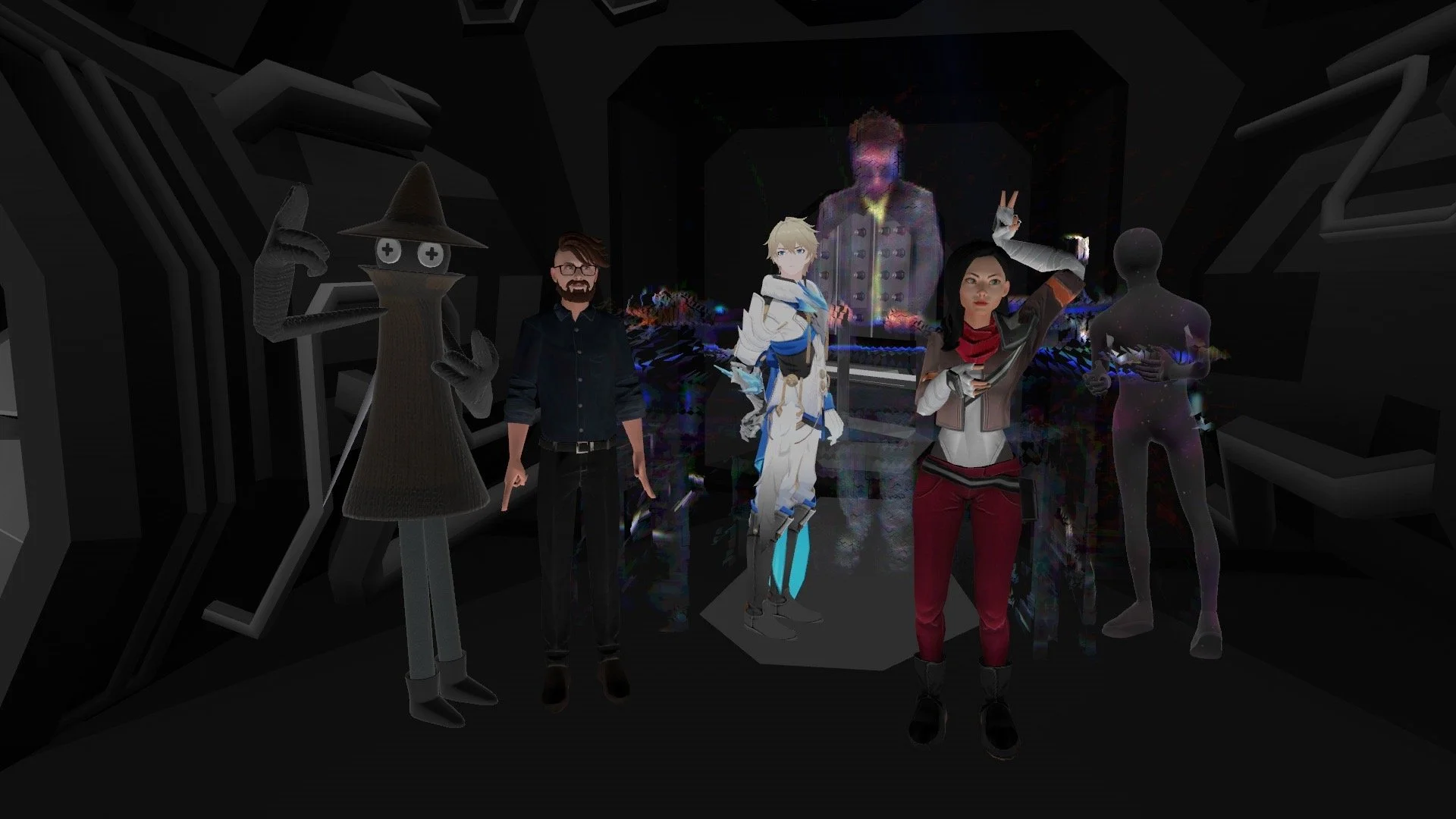
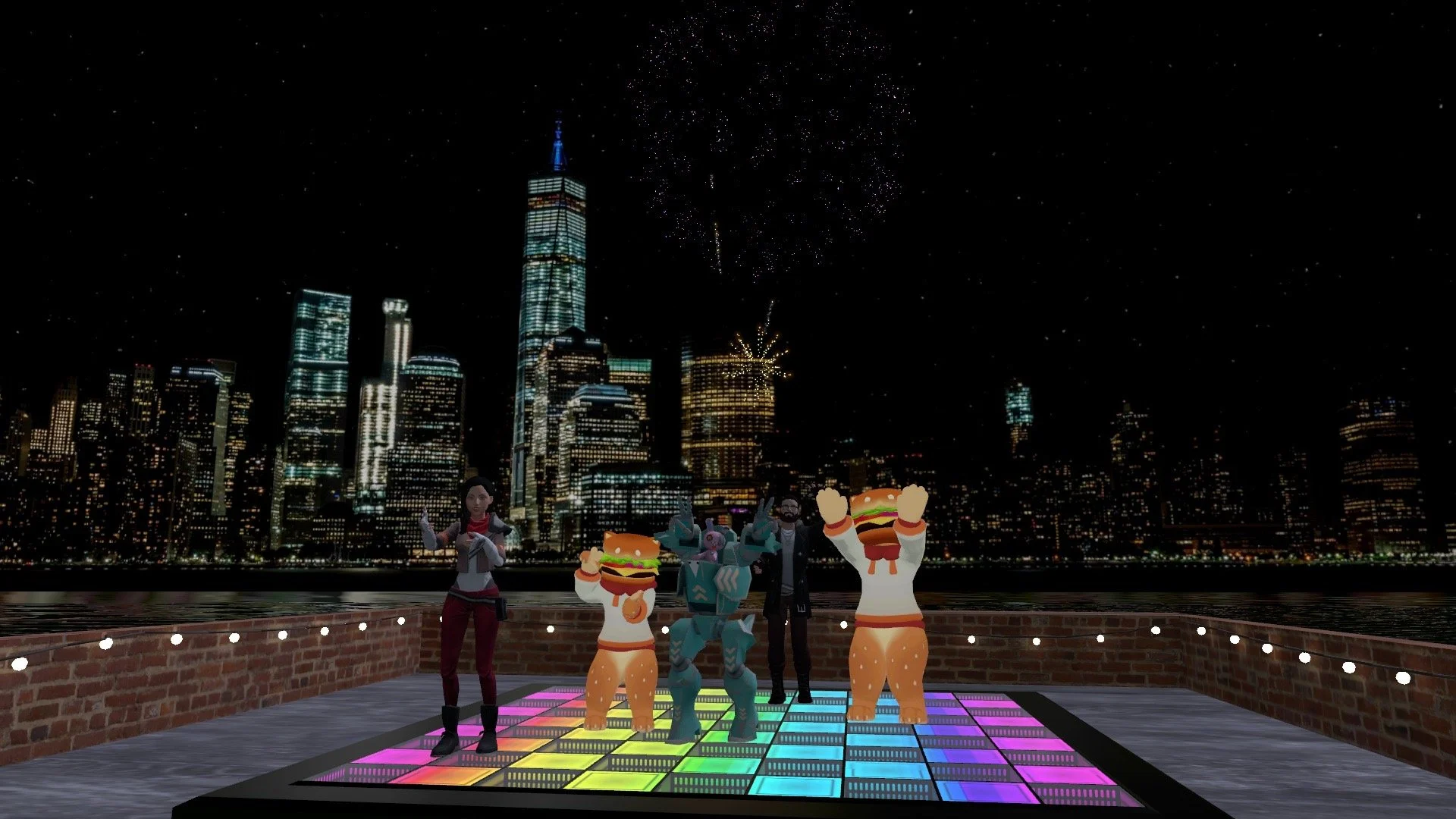
This 2 hour class will take place in VRChat and will navigate to several worlds that are educational in nature and will demonstrate the principles of immersive storytelling in either very good — or very bad — ways!
Note: This class assumes that you already have fluency in navigating VRChat and VR in general. If you would like to learn VR Fluency, please consider taking our Intro to VRChat Fluency --> In VR! class instead!
Accessibility: This class does not require a VR headset, but it will be the most effective way to experience the immersive principles we discuss. Feel free to attend class via 2D on PC or phone/tablet app. We will not visit any PC VR only worlds, so Meta Quest or Pico should be fine. If you have any accessibility needs, please get in touch with classes@empressvr.com . And here at EmpressVR we believe that everyone should have full control over their reasonable adjustments. Please do what’s right for you! We’re here to support that in any way we can.
Syllabus & Schedule:
Introductions & 3D Design Basics → 15 minutes
Tour of Immersive Storytelling World → 30 minutes
Lighting and Visual Cues
Object Affordances
Interactions
Terrain & Audio
Emissive Objects & Particle Effects
Colliders & Triggers
Use of heights, single-sided normals, & falling to respawn!
Break →10 minutes
World 1 Visit → 30 minutes
Best Practices, Easter Eggs, Games
World 2 Visit → 30 minutes
Flying - Good, bad, ugly
Human Nature & Multiplayer
Wrap-up → 5 Minutes
Disclaimer: Although this tour is designed using data and research into Motion Sickness, we cannot guarantee that sickness will be fully avoided. Please respect your own body <3 Studies have shown that VR motion sickness can be overcome but that won’t be possible if you do not respect the limits of your own body. You have full permission to take off the headset at any time, take a breather, and come back to the class if and when you feel better. If you miss the second half of class due to simulation sickness, you are more that welcome to attend another class in the future. Our commitment is to your growing ability to navigate VR comfortably. Reach out if you have questions or concerns. C


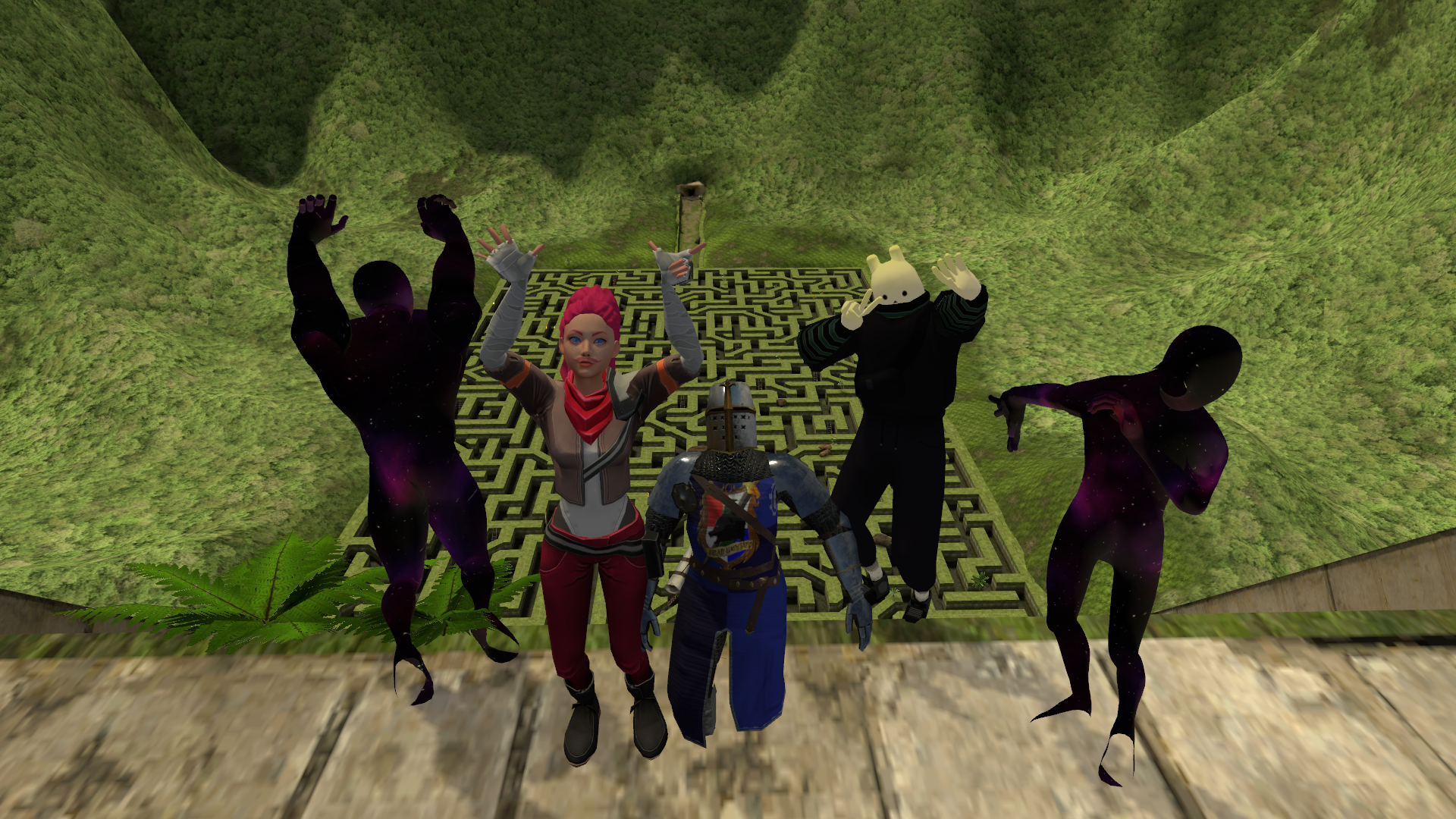
This 1 hour class will take place in VRChat and will navigate to several worlds that are educational in nature and is specifically designed to allow you to acclimate to virtual reality gradually which will give your nervous system time to adjust while limiting the risk of motion sickness and allowing you to enjoy your time exploring virtual worlds fearlessly!
Accessibility: This class does require a VR headset. We will not visit any PC VR only worlds, so Meta Quest or Pico should be fine. If you have any accessibility needs, please get in touch with classes@empressvr.com And here at EmpressVR we believe that everyone should have full control over their reasonable adjustments. Please do what’s right for you! We’re here to support that in any way we can.
Syllabus & Schedule:
Introductions & Motion Sickness Tips → 10 minutes
Menu Basics → 15 minutes
Comfort Settings
Adding friends
Avatars
Break →10 minutes
World Visit → 15 minutes
World Settings
Complexity of World Physics
Conversations & VR Etiquette
Wrap-up → 10 Minutes
Disclaimer: Although this tour is designed using data and research into Motion Sickness, we cannot guarantee that sickness will be fully avoided. Please respect your own body <3 Studies have shown that VR motion sickness can be overcome but that won’t be possible if you do not respect the limits of your own body. You have full permission to take off the headset at any time, take a breather, and come back to the class if and when you feel better. If you miss the second half of class due to simulation sickness, you are more that welcome to attend another class in the future. Our commitment is to your growing ability to navigate VR comfortably. Reach out if you have questions or concerns.
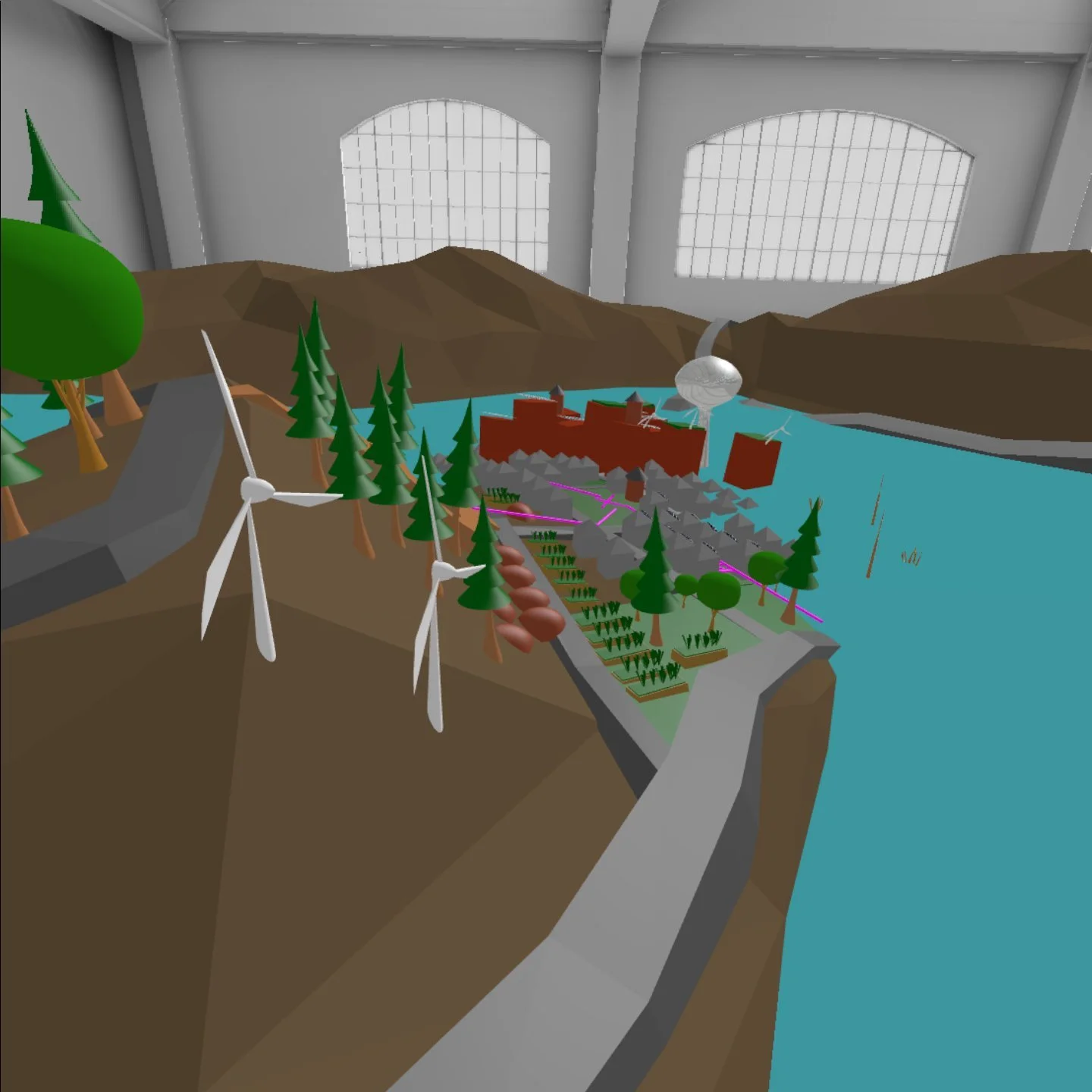
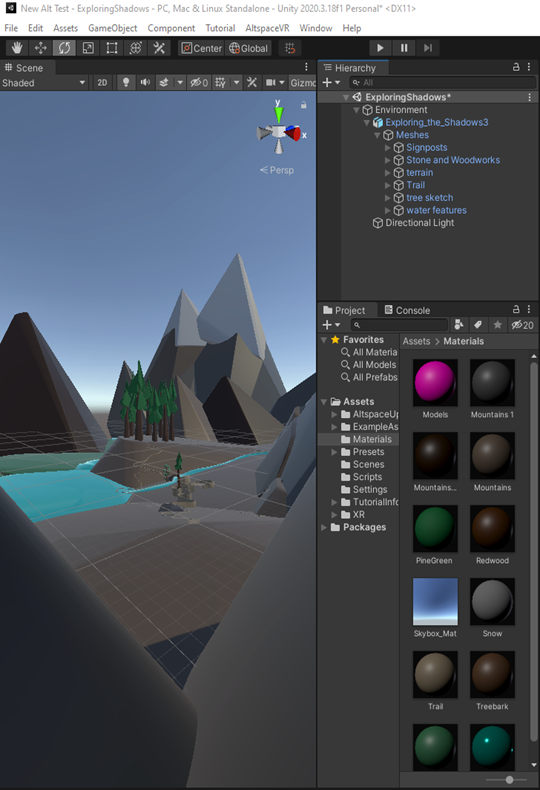
This is a 6 Week Bootcamp-style course with low-to-no coding designed for Creatives and Artists who want to fast-track their ability to prototype immersive VR applications and test ideas in pre-production.
This class is perfect for you if:
You have no previous knowledge of the Unity game engine, but are enthusiastic about learning creative technology
You are an artist or creative and would like to begin exploring prototyping in VR to express your creative concepts
You would like to begin your journey into VR Development and game design, but from a creative perspective
You have a prototype idea that you would like to take from concept to first iteration during the 6 weeks of this course
Tech Requirements: Download the Equipment and Technical Requirement List Here
Syllabus and Homework:
Week 0:
Prepare for class: Download Unity following the step-by-step PDF provided
1:1 Call with Instructor if support is needed
Week 1
Class Topic: Unity Tour, Asset Manipulation, coding concepts
Homework: Download Meta Quest Developer Hub
Optional HW: Unity Create with Code Lesson 1 and apply this to your own project
Week 2
Class Topic: Meta Quest Developer: Setting up the MQ Software Development Kits and running play mode in your headset
Homework: Step-by-step PDF provided to get into Play Mode on your own system, plus install Meta Interaction SDK
Optional HW: Unity Creative Core: Shaders & Materials and apply this to your own project
Week 3
Class Topic: Interaction SDK Tour: What you can do, how you can do it!
Homework: Interaction SDK tutorials
Optional HW: Apply interactions to your own project
Week 4
Class Topic: Locomotion → Movement in VR
Homework: Locomotion Settings tutorials
Optional HW: Apply locomotion to your own project
Week 5
Class Topic: Worldbuilding Prototyping in Gravity Sketch Collab
Homework: Work on your own project, apply concepts learned
Week 6
Class Topic: Multiplayer App Theory
Homework: None
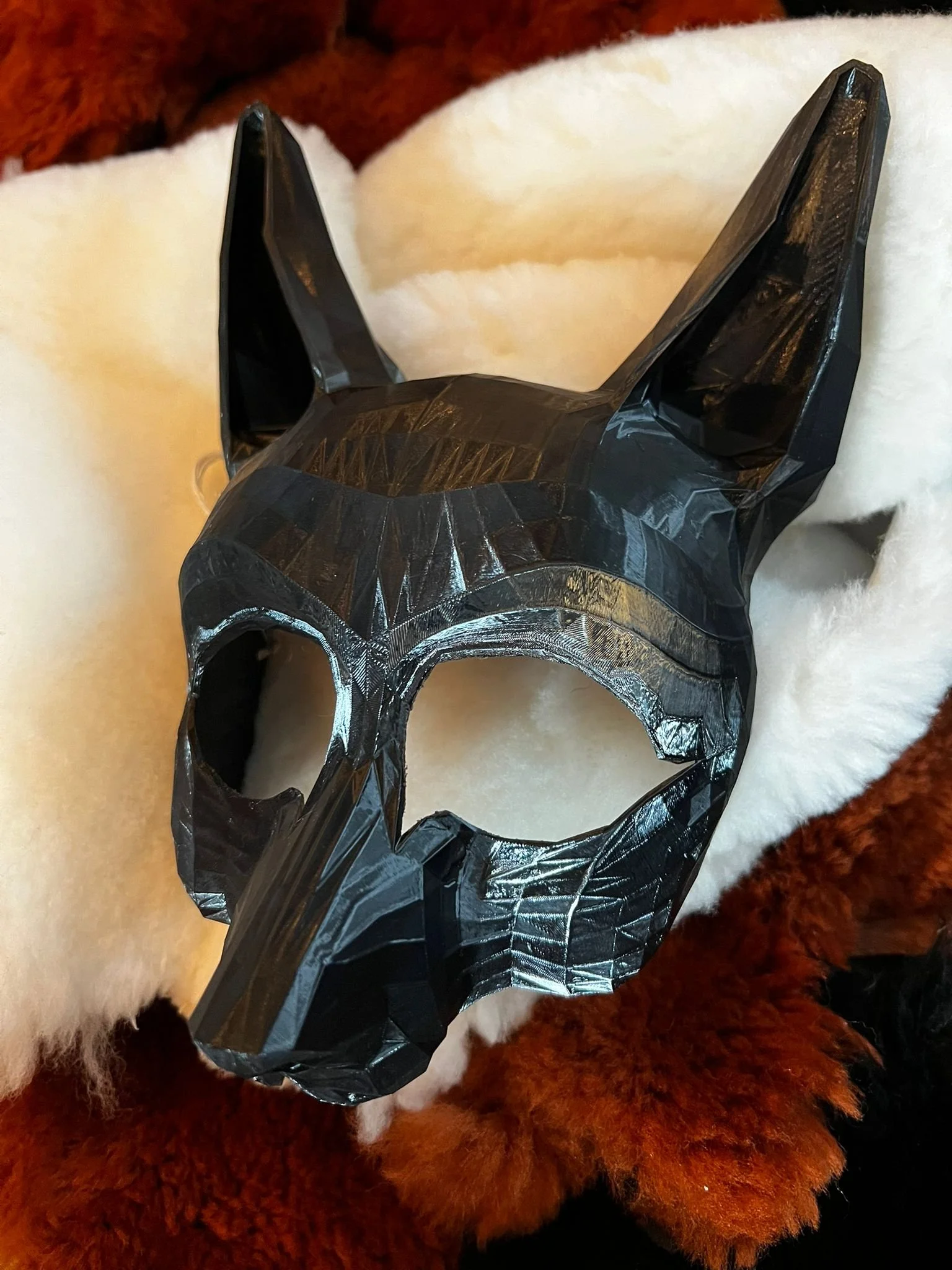
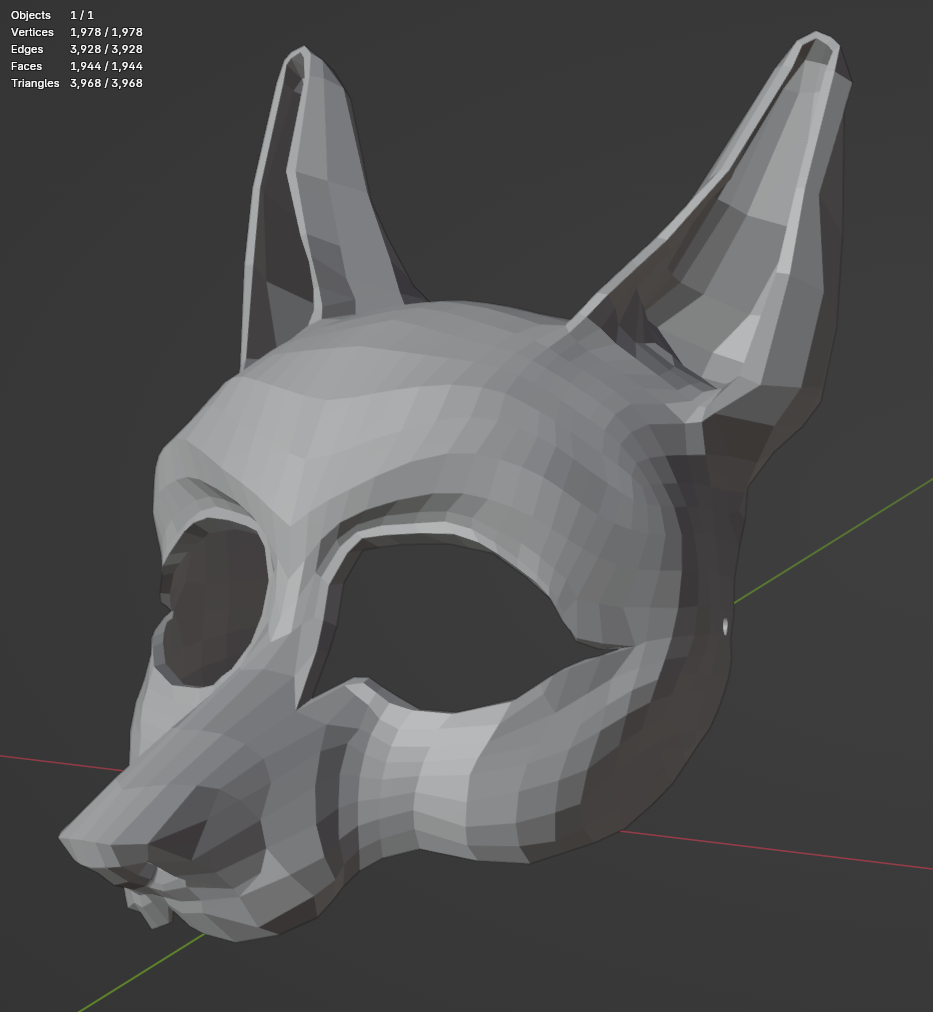
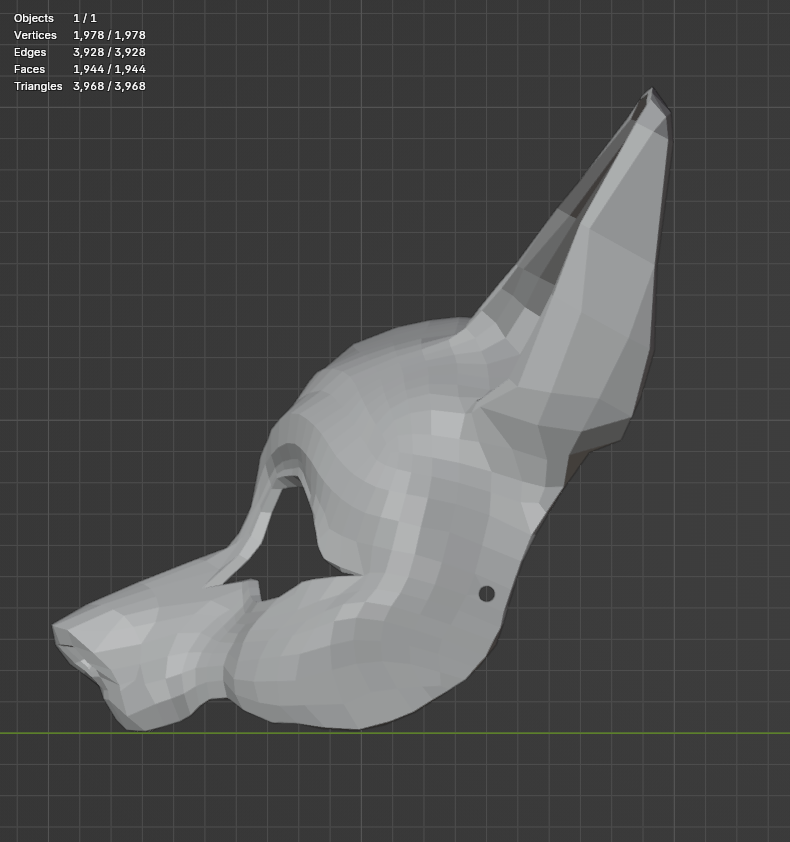
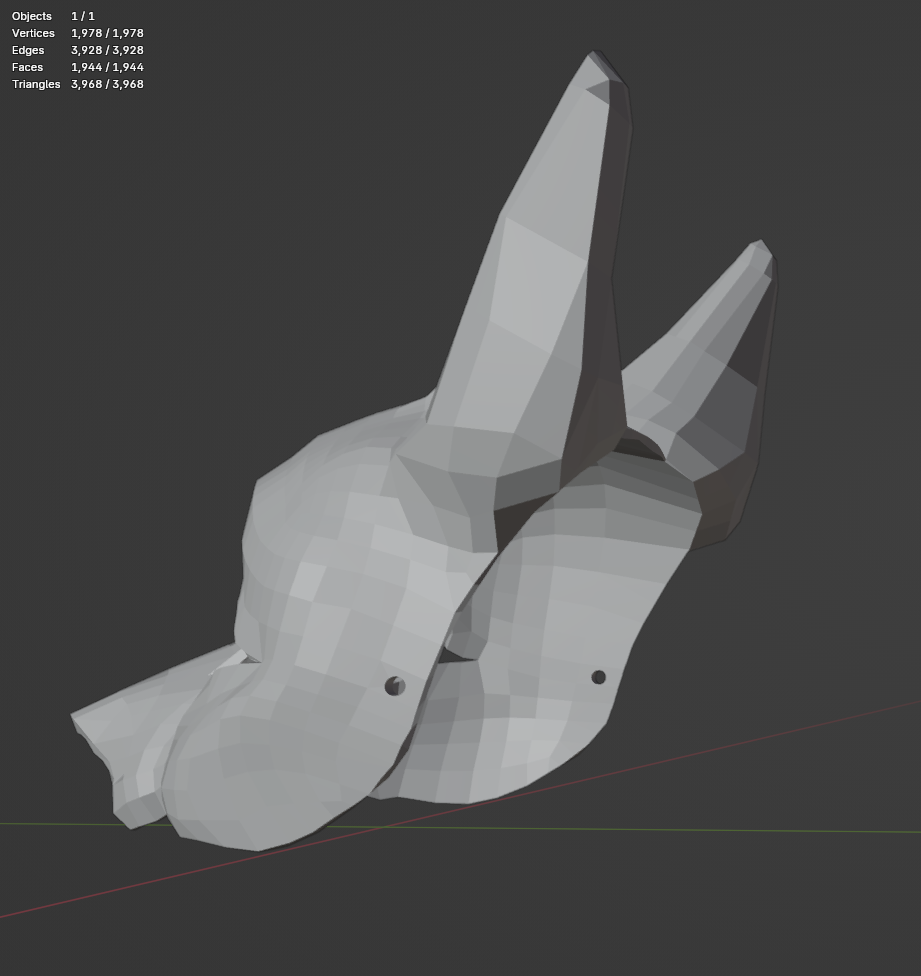
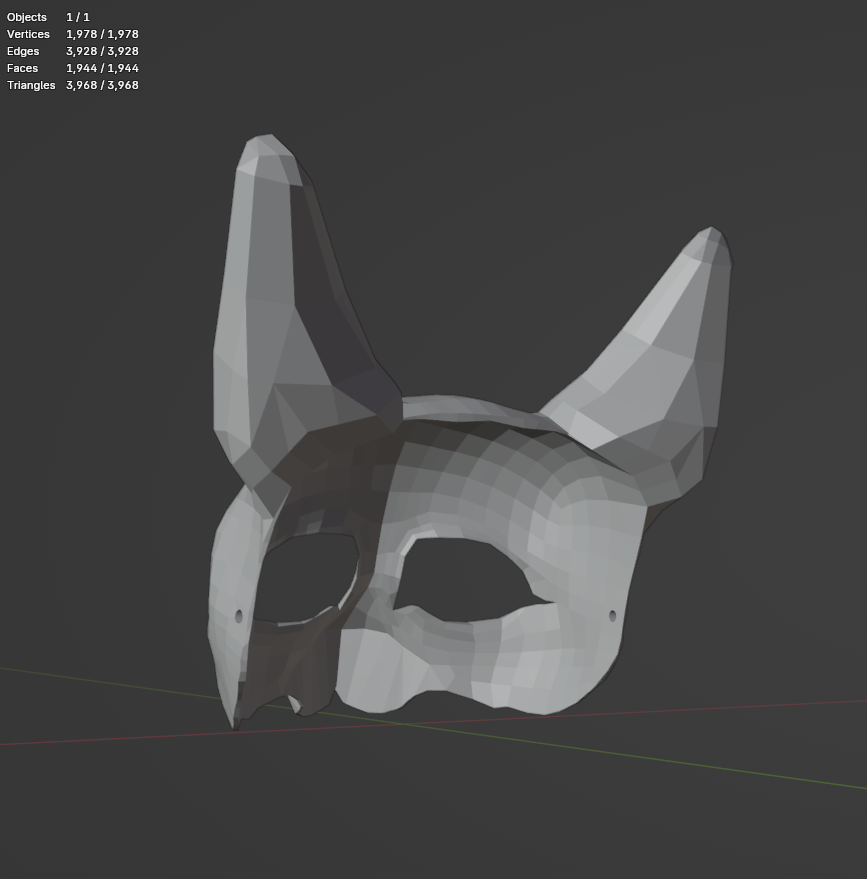
This fox mask was created for the DnD Themed Immersive Interactive Busking Street Theatre Piece produced in 2026. A trickster character, it was worn by our Druid-in-fox-form. Purchasing this mask grants you rights to edit the 3D model, or print as-is. If used in performance settings, please credit Dominique Vyborna and Empress Immersive LTD. Not for resale under this licensing agreement, but I’m open to creating production rights, please contact us for more information.
To size the mask correctly, take a measurement of the inter-pupillary distance of the wearer, and resize in the 3D printing application as needed. This mask was made for an IPD of 60mm, and the test print was created with medium quality settings.
No results match your search. Try removing a few filters.
